
5 Signs Your Builder Website Is Losing You Leads
These are the leads you never knew you had — the buyers who Googled your company, landed on your website, and left without doing a single thing. No form fill. No phone call. No tou
You won't find these leads in your CRM. There's no lost deal report. No missed call log. No email that went unanswered.
These are the leads you never knew you had — the buyers who Googled your company, landed on your website, and left without doing a single thing. No form fill. No phone call. No tour request. Just a quiet exit and a click over to the builder down the road whose site actually worked.
The frustrating part? Most builders have no idea it's happening. Their website looks fine to them because they know where everything is. They know which community is active. They know the floorplan PDF is behind the third click. They know the pricing isn't on the site but you can call the office and ask.
Buyers don't know any of that. And they're not going to figure it out. They'll just leave.
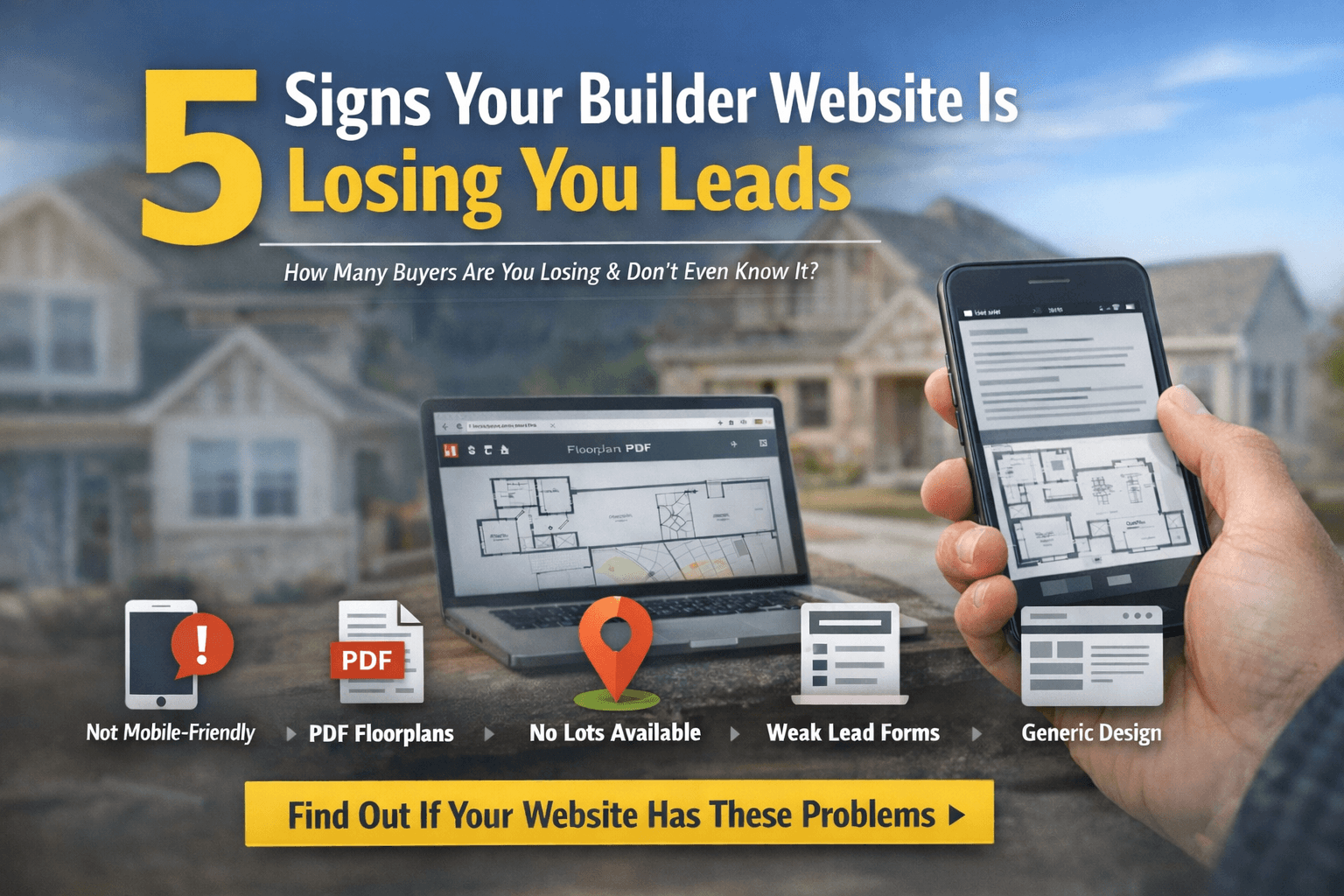
Here are five signs your builder website is silently losing you leads — and what to do about each one.
1. Your Site Isn't Mobile-Friendly
Not "our site works on mobile" — actually mobile-friendly. There's a difference.
A site that technically renders on a phone screen isn't the same as a site designed for mobile users. If your buyers are pinching and zooming to read text, scrolling sideways to see a full image, or tapping tiny navigation links that open the wrong page half the time — that's not mobile-friendly. That's a desktop site crammed onto a smaller screen.
This matters more than most builders realize. According to the National Association of REALTORS' 2025 data, 70% of homebuyers used a mobile device or tablet during their home search. Not occasionally. As a primary tool. They're researching communities from the couch, comparing floorplans during lunch, and pulling up your site from the parking lot of your competitor's model home.
If your site doesn't load fast, navigate cleanly, and display content properly on a phone — you're invisible to the majority of your buyers at the exact moment they're actively shopping.
The test is simple: Pull up your website on your phone right now. Try to find a specific floorplan. Try to see which homes are available. Try to schedule a tour. If any of those tasks take more than 30 seconds or require more than three taps, you have a problem.
2. Your Floorplans Open as PDFs
This is one of the most common issues on builder websites — and one of the most damaging.
A buyer clicks on a floorplan and instead of seeing it rendered in the browser, a PDF file opens in a new tab. On a laptop, that's mildly annoying. On a phone — where 70% of your buyers are — it's a dealbreaker.
PDFs on mobile are slow to download, difficult to navigate, and impossible to zoom cleanly. They don't load inline. They interrupt the browsing experience. And once a buyer leaves your site to view a PDF, the odds of them coming back and completing a form drop significantly.
Beyond the user experience issue, PDF floorplans create a data problem. You can't track which floorplans buyers are actually interested in. You can't A/B test layouts. You can't update a floorplan without replacing a file and hoping the cached version expires. And you definitely can't filter or search by floorplan attributes if the data lives inside a static document.
The fix: Floorplans should be native content on your site — rendered as images or interactive elements with specs (bedrooms, bathrooms, square footage, price) displayed alongside them. Buyers should be able to browse, compare, and inquire about a floorplan without ever leaving the page.
3. You Have No Online Lot Availability
If a buyer can't see which lots are available, under construction, or sold — they don't know what's real and what's gone.
Many builder websites show communities with beautiful hero photos and a paragraph of marketing copy. Maybe a site plan image. Maybe a list of floorplans offered in that community. But no actual inventory. No way to see which specific homes are available for purchase today.
This forces every interested buyer into the same path: fill out a generic contact form or call the sales office to ask basic inventory questions. That might sound like a good lead gen strategy — make them contact you to get the information. But in practice, it just filters out every buyer who isn't ready to talk to a salesperson yet.
And that's most of them.
NAR's data shows that the median home search takes 10 weeks. That means buyers spend weeks researching online before they're ready for a conversation. If your site can't answer the question "what's available?" during that research phase, you're not in the running when they're finally ready to act. You've been replaced by the builder who showed them exactly what they had — with prices, lot positions, and move-in dates — three weeks earlier.
The fix: Show real-time lot availability on your community pages. Every lot should have a status: available, under construction, sold, or model. Pricing should be visible — not "call for pricing." Move-in dates or estimated completion dates should be listed for every home in progress. Update it when things change. Automatically, not manually.
4. Your Only Lead Capture Is a Contact Form
A single "Contact Us" page with a name, email, phone number, and a text box is not a lead capture strategy. It's a suggestion box.
The problem isn't that contact forms are bad. The problem is that they're context-free. When a buyer fills out a generic form, your sales team has no idea what they were looking at, which community interested them, which floorplan caught their eye, or where they are in their decision process. That lead arrives in your inbox (or worse, a shared inbox nobody checks consistently) with zero intelligence attached.
Compare that to what happens on any modern e-commerce site. When you add something to your cart, the system knows what you looked at, what you compared, and what almost convinced you. When you contact customer service, they can see your full history. The conversation starts where you left off, not from scratch.
Builder websites should work the same way. If a buyer was viewing the Canyon floorplan at your Fulshear community and clicked "Schedule a Tour," that inquiry should arrive in your CRM with all of that context attached — which community, which floorplan, which specific home if applicable, and what pages they visited before reaching out.
This isn't just better for your sales team. It's better for the buyer. Nobody wants to fill out a form, wait for a call back, and then spend the first five minutes re-explaining what they're interested in. Context-rich lead capture respects the buyer's time and gives your sales team a head start on every conversation.
The fix: Replace generic contact forms with contextual ones — forms that change based on what the buyer was viewing. Integrate directly with your CRM so leads arrive with full browsing context. Add multiple touchpoints throughout the site — not just one form buried in the navigation. Tour requests, floorplan inquiries, community-specific questions — each one should capture specific intent.
5. Your Site Looks Like It Was Built for a Different Industry
Here's the test: if you removed your logo and your photos, could someone tell your website belongs to a home builder?
For a lot of builder sites, the answer is no. The layout, the navigation, the page structure — it's generic. It could be a law firm. It could be a dental practice. It could be a landscape company. There's a hero image, an "About Us" section, a "Services" page, and a contact form. That's it.
The problem isn't that these sites are ugly. Most of them look perfectly fine. The problem is that they aren't built around how home builders sell or how buyers shop for homes.
A builder's website needs to be structured around three things: communities, floorplans, and available homes. Those aren't secondary content pages buried in a submenu. They're the core of the site. Everything else — the about page, the blog, the testimonials — supports those three pillars.
When a buyer lands on your site, they should immediately understand: where do you build, what do you build, and what's available right now. If they can't answer those three questions within 10 seconds of landing on your homepage, the site isn't working — no matter how good the photography is.
This isn't a design problem. It's a platform problem. Generic website platforms — WordPress, Squarespace, Wix — aren't built to manage communities, floorplans, lot inventory, and home listings. They can be forced to do it with enough plugins and custom development, but the result is usually fragile, hard to update, and expensive to maintain.
Builder-specific platforms are built around this structure from the ground up. Communities have pages. Floorplans have specs and galleries. Available homes have statuses, prices, and move-in dates. Everything connects — and everything stays current because the CMS was designed for this exact workflow.
The fix: Evaluate whether your current platform was designed to manage builder-specific content natively — or whether it's being held together with plugins, custom code, and manual updates. If it's the latter, the problem will get worse over time, not better.
The Common Thread
All five of these issues share one root cause: the website wasn't built for a home builder. It was built by a generalist agency using a general-purpose platform, and it's doing its best to approximate what a builder's site should be.
That worked in 2018. It doesn't work in 2026.
Today's buyers compare your website to Zillow, Amazon, and Airbnb — not to the builder across town who has an equally mediocre site. The expectations have shifted permanently, and the builders who adapt first will capture the leads that everyone else is losing.
The good news? These aren't unsolvable problems. Every one of them has a straightforward fix — and most of them can be addressed in weeks, not months. The first step is recognizing that the leads you're losing are real, even if you'll never see them in a report.
Your website is either your best salesperson or your biggest blind spot. In 2026, there's no in-between.
ForgeDBI builds websites and technology exclusively for home builders. If you're wondering whether your site has any of these issues, we'll tell you — honestly and for free. Start a conversation →
