
Your “Schedule Service” Button Might Not Book Anything
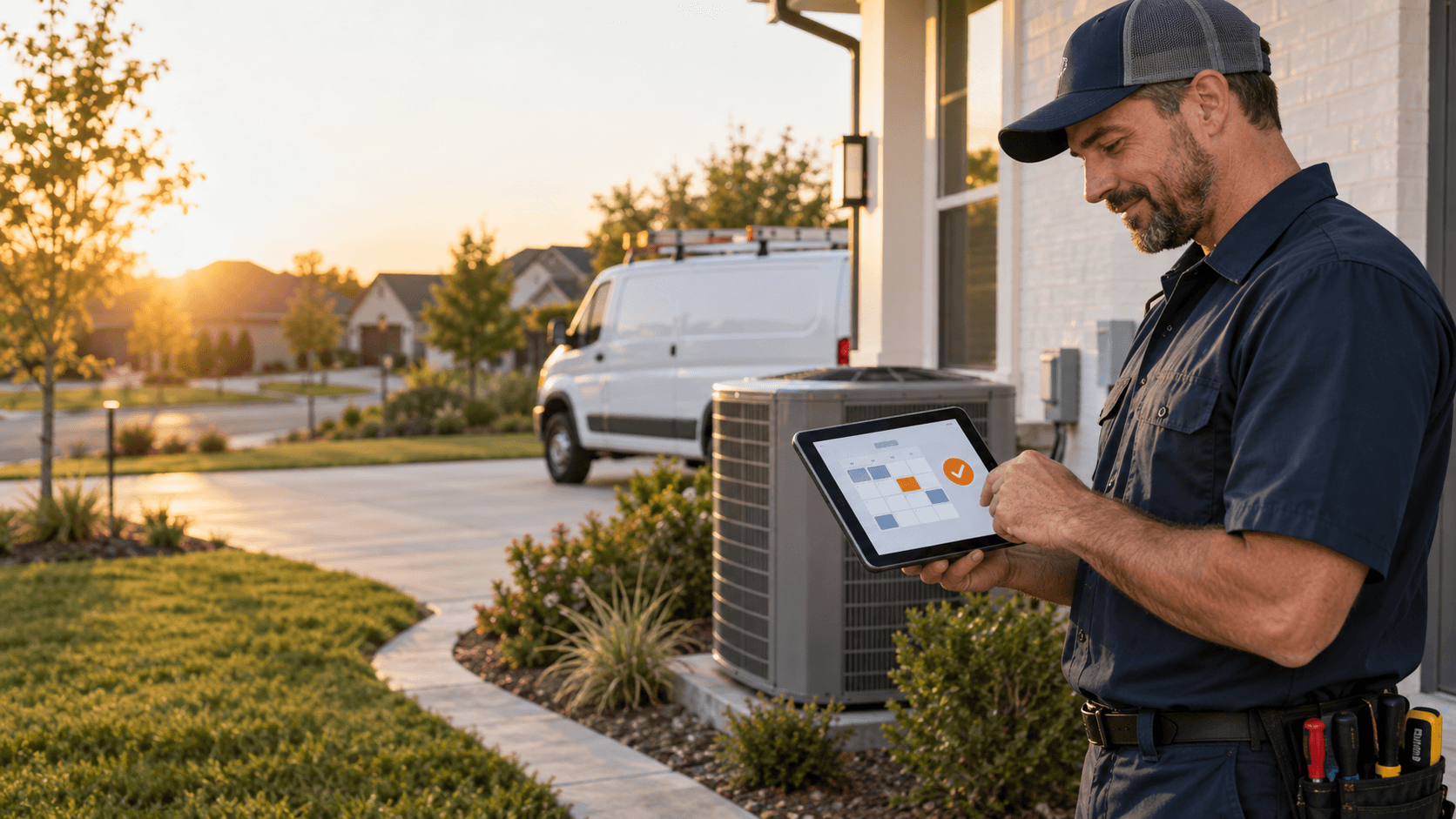
A homeowner visits your website because the air conditioner stopped working, a pipe is leaking, or a project is ready to move forward.
A homeowner visits your website because the air conditioner stopped working, a pipe is leaking, or a project is ready to move forward. They tap Schedule Service, complete a form, and assume the next step is handled.
But was an appointment actually scheduled?
On many contractor websites, the answer is no. The button leads to a standard contact form. The customer submits their name, phone number, and a short message, then waits for someone from the office to follow up.
There is nothing inherently wrong with a contact form. The problem is calling it online scheduling when it does not let the customer choose a date, select an available time, or receive a clear appointment confirmation.
That gap matters because the customer believes they have taken the next step while your team has only received another request to process.
A contact request is not a booked appointment
A contact form captures interest. A booking experience helps the customer act on that interest.
The distinction is simple:
- A contact form sends the business a message.
- A qualified request form collects service details so the office can decide what should happen next.
- An appointment request lets the customer suggest a preferred date or window, but the business still needs to confirm it.
- Online scheduling displays appointment options and confirms the selected time or service window.
All four approaches can have a place in a contractor business. Trouble starts when the website promises one experience and delivers another.
If a button says Book Online, customers reasonably expect to see actual availability. If they reach a generic form instead, the experience creates uncertainty at the point when they are most ready to hire.
Why the difference affects lead conversion
Most homeowners are not comparing website designs. They are trying to solve a problem.
For an urgent HVAC or plumbing issue, they may contact several companies within a few minutes. A slow or unclear response gives the next contractor an opportunity to win the job. For a larger remodeling or general contracting project, the decision takes longer, but the first company to provide a clear and professional next step can still gain an advantage.
A request-only process introduces several points of friction:
- The customer does not know when the company will respond.
- The office must manually review the submission.
- Someone has to call, text, or email the customer.
- The customer may miss the response or have already contacted another contractor.
- The team must go back and forth to find a workable time.
The website technically generated a lead, but it did not move that lead very far.
A stronger process reduces the gap between “I need help” and “I know what happens next.” That may mean a confirmed appointment, a scheduled estimate, an immediate phone conversation, or a clear emergency handoff.
What a useful contractor booking experience includes
The right booking flow depends on the service, but customers should not be left guessing. A practical experience usually includes the following elements.
1. A clear booking type
Tell the customer whether they are:
- Booking a confirmed appointment
- Requesting a preferred time
- Scheduling an estimate or consultation
- Asking for an office callback
Small wording changes can prevent a large expectation problem. Use Request an Appointment if the time still requires approval. Reserve Book Online or Schedule Service for a flow that shows real options and produces a clear confirmation.
2. The right questions—and no more than necessary
Collect the information your team needs to route the request without making the customer complete an application.
For a service call, that may include the service type, problem, address, urgency, and contact details. For a remodeling consultation, project type, location, rough timeline, and budget range may help qualify the opportunity before it reaches your sales team.
Every extra field should earn its place. Long forms are especially difficult on a phone, where most customers are likely to find and contact a local contractor.
3. Available dates or service windows
If your operation supports online scheduling, show customers the dates or arrival windows they can actually choose. Connect the booking experience to the calendar or field-service system your team already uses so customers are not selecting times that are unavailable.
If you cannot expose live availability, be direct. Let the customer request a preferred time and explain when the office will confirm it.
4. Immediate confirmation
After submission, the customer should see a clear confirmation page and receive a text or email that explains:
- What was received
- Whether the appointment is confirmed or still pending
- The selected or requested date and window
- What happens next
- How to update or cancel the request
“Thanks, we will be in touch” is better than silence, but it still leaves too many questions unanswered.
5. A separate path for urgent situations
Emergency requests should not sit unnoticed in the same inbox as routine estimates.
An HVAC company may need to identify no-heat calls during freezing weather. A plumber may need to distinguish a dripping faucet from active flooding. The website should tell customers when to call emergency services, when to call the contractor immediately, and when an online request is appropriate.
The goal is not to diagnose the problem online. It is to recognize urgency and route the customer according to the company’s rules.
6. Text confirmations and reminders
Appointment confirmations and reminders reduce uncertainty for the customer and repetitive follow-up for the office. They can also give the customer a simple way to confirm, reschedule, or provide additional access information before the visit.
The message should accurately reflect the booking status. A requested time should not be described as confirmed until the business accepts it.
Not every contractor should offer instant booking
Online booking is not an all-or-nothing decision.
An HVAC maintenance visit, plumbing service call, or electrical inspection may fit neatly into defined appointment windows. A kitchen remodel, roofing replacement, commercial build-out, or custom home project usually requires more qualification before a site visit is scheduled.
The better question is not, “Can every job be booked instantly?” It is, “Can the website give this customer the clearest appropriate next step?”
For example:
- HVAC and plumbing: Offer service windows for common calls, with urgent requests routed separately.
- Electrical: Let customers choose an estimate or diagnostic visit after answering a few safety and service questions.
- Roofing: Schedule inspections while collecting property and storm-damage details.
- General contracting: Qualify the project, then offer a consultation time to prospects who fit the company’s scope.
The experience should match the way the business actually operates. Automation should support your process, not create promises your team cannot keep.
How to test your website today
You do not need a technical audit to spot the biggest booking problems. Open your website on a phone and act like a first-time customer.
Start on the homepage and ask:
- Can I quickly tell which services this company offers?
- Is the primary call to action easy to find?
- Does the button label accurately describe what happens next?
- How many taps and fields are required?
- Can I see actual appointment options?
- Does the form work well on a mobile screen?
- Do I receive a clear confirmation?
- Does the confirmation say whether the appointment is booked or merely requested?
- Is there a clear path for an urgent situation?
- Can the business track which marketing source produced the request?
Run the same test after business hours. That is when an unclear process is most likely to lose a ready-to-hire customer.
You may not need to rebuild the entire website
A weak booking process does not always require a new website. In many cases, the existing site can be improved by:
- Renaming misleading buttons
- Shortening or restructuring forms
- Connecting a scheduling tool to the correct service calendar
- Adding qualification questions before showing appointment options
- Creating confirmation pages and automated text messages
- Routing emergencies differently from routine requests
- Tracking completed bookings, not just button clicks
The first step is understanding what the current journey actually does—from the moment a customer finds the company to the moment the next step is confirmed.
ForgeDBI’s free Get Found → Answered → Booked Audit checks that journey, including whether a booking button leads to real scheduling, an appointment request, a basic contact form, a call or text action, or a broken path. It also reviews search visibility, the customer’s ability to get answers, and website performance on mobile and desktop.
The label on the button is only a promise
A contractor website does not book more jobs simply because it has a Schedule Service button. The result depends on what happens after the click.
If the customer reaches a clear, mobile-friendly flow, understands the status of the request, and receives a useful confirmation, the website is doing real work for the business. If the button sends another message into an inbox with no clear next step, it is still only collecting leads.
Test the journey from the customer’s point of view. Then make the promise on the button match the experience behind it.
FAQ
Is a contact form the same as online booking?
No. A contact form sends an inquiry to the business. Online booking normally lets the customer choose from available dates or service windows and provides a clear confirmation. An appointment-request form sits between the two because the requested time still requires approval.
Should every contractor offer instant online booking?
No. Routine service calls may fit online scheduling, while large or complex projects often need qualification first. The website should offer the clearest next step that matches how the company actually operates.
What should happen after a customer submits a request?
The customer should immediately see and receive confirmation of what was submitted, whether the appointment is confirmed or pending, what happens next, and how to contact the company if the situation changes.
